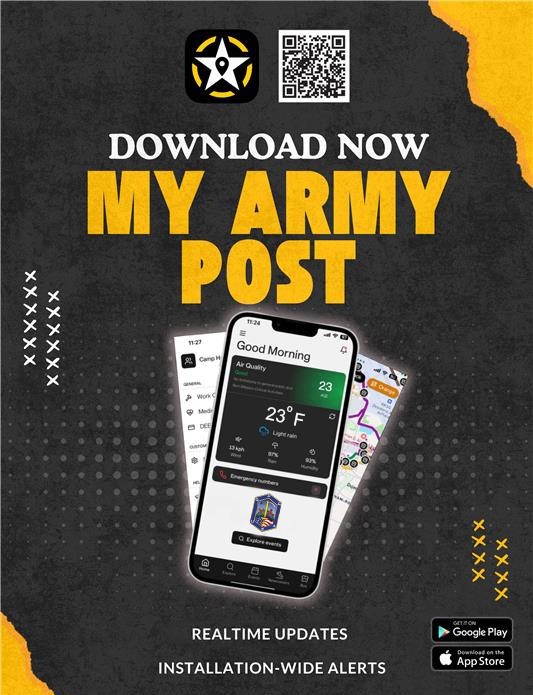
My Army Post App - Download the free app from your mobile device's app store and select Fort Campbell.
ALERT! - Visit the ALERT! page for information on how to sign up for the emergency notification system.
Social Media - Follow Fort Campbell on Facebook ✪, Instagram ✪, and X ✪.
Weather Alerts - Visit our Weather Alerts page for frequently asked questions about severe weather.
Add ALERT! to contacts
Call screening features added to iOS 26 can impact iPhone users' ability to receive important Alert! emergency notifications. The iPhone iOS 26 update has created an issue receiving messages. To continue receiving notifications, add the Alert! phone number to contacts: 703-454-0563.
Confirm receipt of ALERT! Messages
We ask all personnel to completely listen and/or read ALERT! messages in order to confirm the message. The number to press to confirm receipt is at the end of the message. Once you confirm receipt and it is registered in the system, you will stop getting the same message repeatedly.